
Download PhoneTrans – iPhone, iPad, iOS, iTunes, music, content, transfer, backup, manage, sync, device, export, import, files, apps, library, mobile, tool, utility, productivity, smartphone
Overview
PhoneTrans serves as a dedicated utility for managing content on iOS devices, specifically designed to offer users greater autonomy than traditional iTunes synchronization. The application addresses core limitations of Apple's ecosystem by enabling direct, manual control over media and application files without requiring complex syncing workflows. This is particularly valuable for users seeking to transfer music, export app data, or back up device content without relying on iTunes libraries, which can be prone to corruption or data loss.
The target audience includes iPhone and iPad owners who desire a streamlined, flexible approach to content management—especially those managing large music libraries, frequently transferring files between devices, or needing to preserve app data independently of their iTunes setup. While the developer, PhoneTrans, is identified, no additional background information is available regarding their history or technical expertise. Real-world applications include backing up music collections, migrating data between iOS devices, and organizing content without syncing constraints.
In the broader app ecosystem, PhoneTrans fills a critical gap for productivity-focused users who require efficient, reliable tools to manage iOS content outside Apple’s native framework, positioning itself as a specialized alternative to iTunes for users prioritizing control and convenience.
Key Features & Functionality
PhoneTrans delivers a suite of functionalities centered on unifying content management across iOS devices. The manual music management feature allows users to add audio files directly to their iPhone or iPad without iTunes syncing, granting granular control over music libraries. This is especially beneficial for users building custom playlists or transferring music from non-Apple sources.
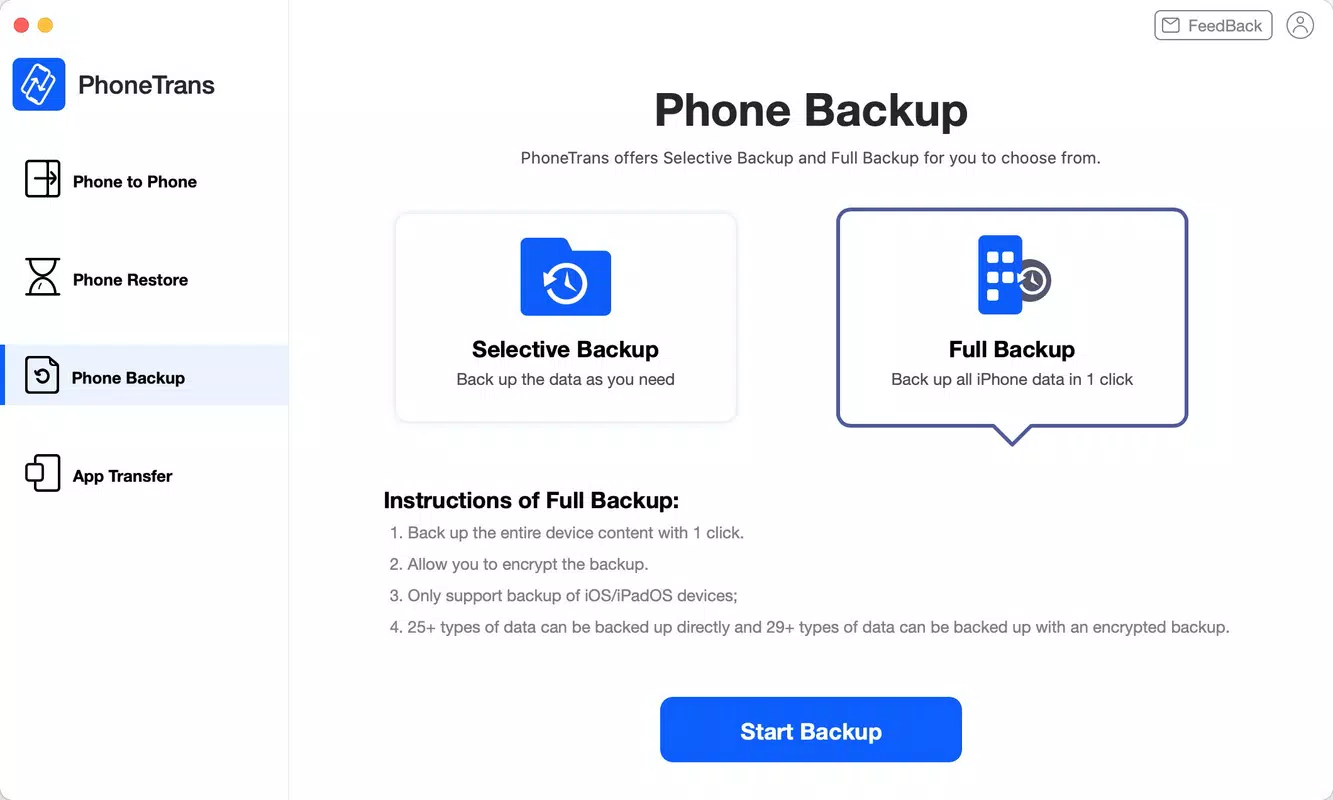
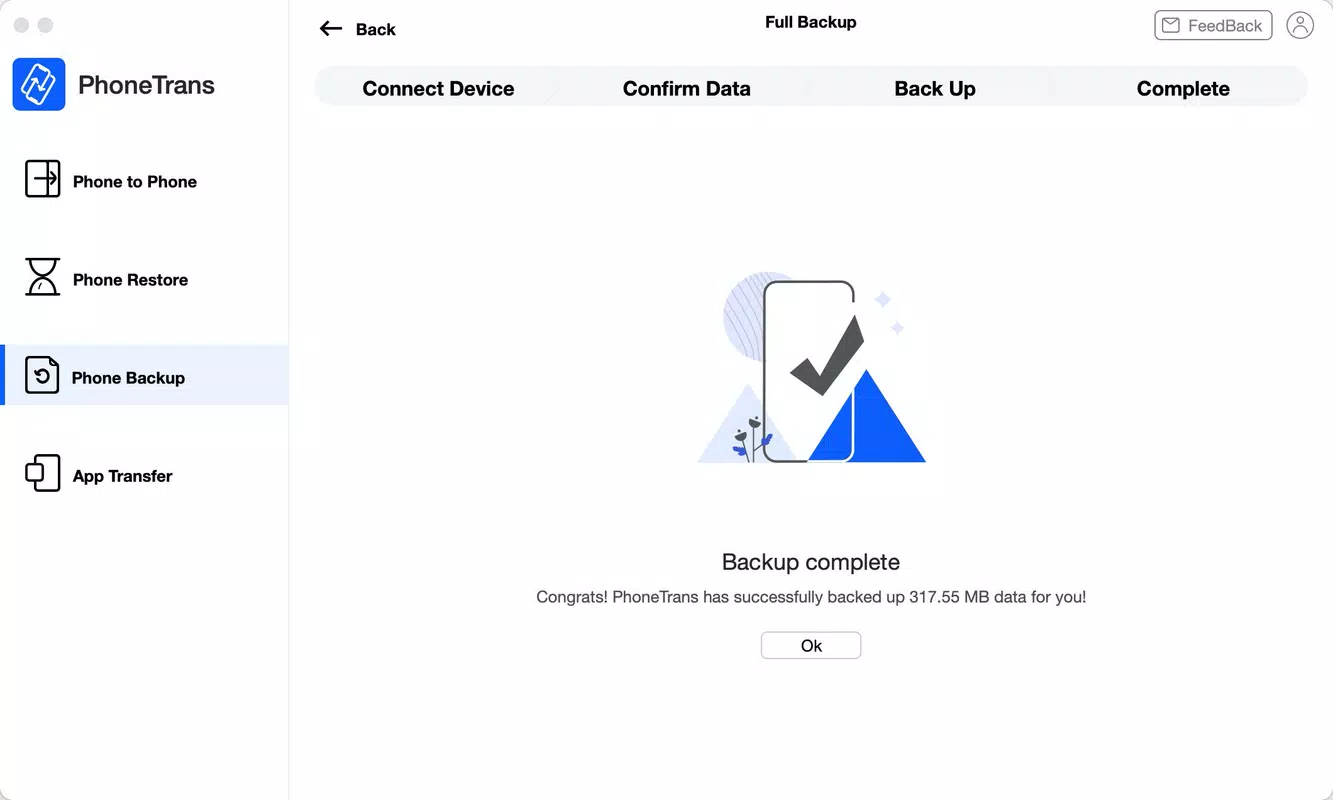
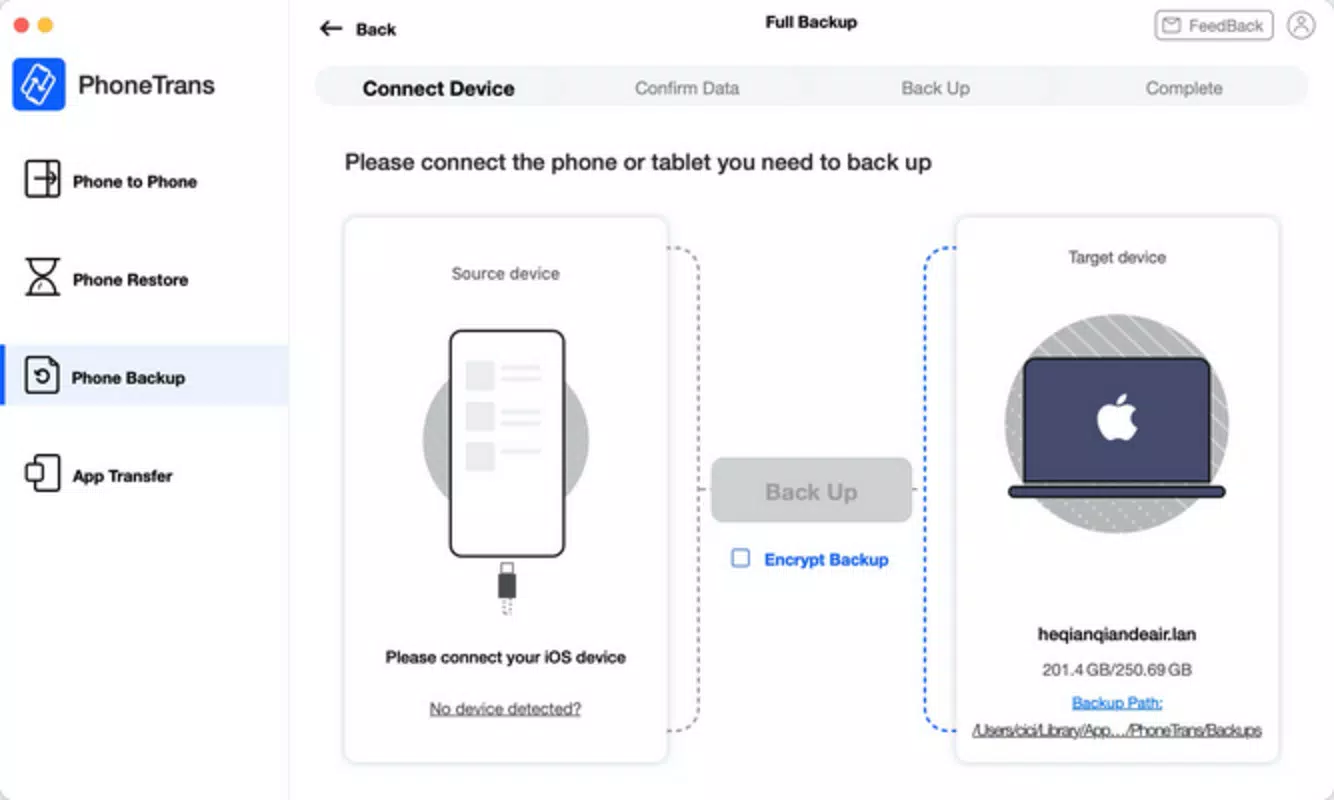
Direct content export enables users to copy files—including music, videos, and applications—directly from their device to a computer’s hard drive, creating independent backups that remain accessible even if iTunes libraries are lost. This feature mitigates data risk and supports disaster recovery scenarios. The interface mirrors the familiar layout of iTunes, organizing content into intuitive categories like Music, Video, and Applications, which reduces the learning curve for new users.
Top-level buttons for importing, exporting, and erasing content simplify core operations, minimizing navigation complexity. Simplified device management eliminates the need for iTunes-based syncing, reducing the risk of errors or data inconsistencies during transfers. This is ideal for users who frequently swap content between devices or maintain multiple iOS setups.
Compatibility extends across iPhones, iPads, and iPod Touches, making it a versatile tool for managing content across multiple Apple devices within a single workflow. These features collectively provide a seamless, efficient alternative to iTunes for users seeking direct, user-driven control over their iOS device content.
- Manual music management without iTunes syncing
- Direct export of files to computer hard drives for backup
- Intuitive interface with category-based content organization
- Streamlined import, export, and erase functions via top navigation
- Compatibility with iPhones, iPads, and iPod Touch devices
Interface, UX & Performance
PhoneTrans employs a visual layout reminiscent of iTunes, featuring a clean, categorized structure that divides device content into distinct sections such as Music, Video, Applications, and Books. This familiar design significantly lowers the barrier to entry for users accustomed to Apple’s ecosystem, enabling intuitive navigation without extensive onboarding. The interface places essential actions—import, export, and erase—within easily accessible top-level buttons, promoting efficiency during content management tasks.
Users can browse, select, and transfer files with minimal steps, enhancing workflow continuity. While the developer did not list formal performance metrics, the application’s design suggests optimized responsiveness for standard device categories, including mid-range and high-end smartphones and tablets. Stability appears prioritized, as the focus on direct file operations implies a reliable backend to prevent data corruption during transfers.
However, specific performance benchmarks, load times, or device-specific optimization details were not disclosed. The user experience emphasizes simplicity and control, with no indication of intrusive ads or excessive permissions. Overall, the interface balances functionality with accessibility, making it suitable for both novice users and experienced power users seeking a frictionless alternative to iTunes.
The absence of reported issues in the provided information suggests consistent operation under normal usage conditions.
Platform Compatibility & Technical Requirements
PhoneTrans is available on both Android and iOS platforms, offering cross-platform accessibility for users managing content across different device ecosystems. The current software version is 8.8.0, with a file size of 100.0 MB, indicating a compact download footprint suitable for most modern smartphones and tablets. Specific minimum OS requirements, such as the required Android version or iOS version, were not listed by the developer.
Similarly, no details were provided about hardware specifications, RAM, or storage recommendations for optimal performance. Compatibility information was not fully disclosed, particularly regarding support for specific iOS models or Android device types. Users should verify system compatibility through their respective app stores prior to installation.
The application’s release date was May 10, 2024, suggesting it is a recently updated tool. While the dual-platform availability is a significant advantage for users with mixed-device setups, the lack of explicit technical requirements may pose challenges for users with older or less common devices. The developer did not specify whether updates are automatic or require manual intervention.
Pros and Cons
Pros
- Eliminates dependency on iTunes for content management and syncing
- Enables manual music and file transfers without library constraints
- Provides direct export functionality for creating independent backups
- Features an intuitive interface similar to iTunes, reducing the learning curve
- Compatible with multiple iOS devices, including iPhones, iPads, and iPod Touches
Cons
- Price point of $29.99 may be considered high for a single-purpose utility
- Developer did not provide detailed technical specifications or OS requirements
- No information on free trial, freemium model, or subscription options
- Compatibility with older iOS or Android versions remains unconfirmed
- Performance metrics and stability under heavy usage were not disclosed
FAQ
Is PhoneTrans safe to use for transferring sensitive data?
The application operates directly between devices and computers without requiring third-party cloud storage, minimizing data exposure. However, users should ensure they download the app only from official sources to avoid security risks.
How often are updates released for PhoneTrans?
The developer did not specify update frequency. Users should check their app store for new versions, as updates may include bug fixes, compatibility improvements, or new features.
Can I use PhoneTrans on both Android and iOS devices simultaneously?
Yes, the application is available on both platforms, allowing users to manage iOS content from either an Android or iOS device, though the experience may vary slightly between operating systems.
Is there a free version or trial of PhoneTrans?
Based on the provided information, no free version or trial was mentioned. The application is available for a one-time purchase of $29.99.
What happens if my device is not compatible with the latest version?
Compatibility details were not listed. Users should verify their device’s operating system against the app store’s requirements before installing to avoid potential issues.
Final Thoughts
PhoneTrans emerges as a focused, productivity-boosting tool for iOS users frustrated by iTunes’ rigid syncing protocols. Its ability to manage music, export files, and handle device content with direct, manual control offers a compelling alternative for users seeking greater autonomy. The intuitive interface, broad device compatibility, and emphasis on data backup make it a practical solution for both casual and advanced users.
While the $29.99 price tag may deter budget-conscious individuals, its specialized functionality justifies the cost for those who prioritize efficiency and reliability in content management. For iPhone and iPad owners looking to streamline file transfers and eliminate iTunes dependencies, PhoneTrans delivers tangible value. The absence of detailed technical disclosures is a minor drawback, but the core features perform as advertised.
Download PhoneTrans now.


